


Unexpected Gift for Samsung Galaxy A24 Owners: One UI 8.5 Update Released
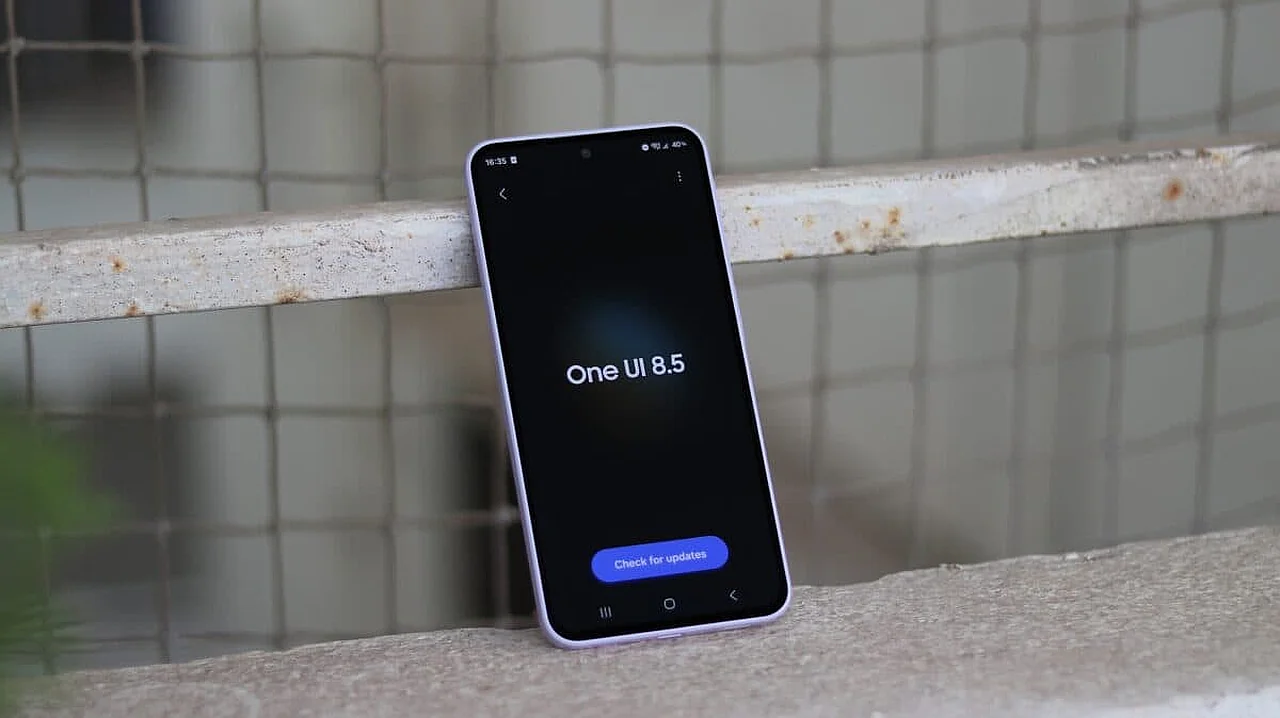
South Korean tech giant Samsung has delivered an unexpected surprise for one of its affordable smartphones, the Galaxy A24. While many users and experts doubted whether this device would receive new software, the company has begun distributing the final version of the One UI 8.5 interface for the Galaxy A24. This is reported by Ixbt.com news reports.
According to ixbt.com, the initial update appeared on devices intended for the South Korean market with the index SM-A245N. This firmware package, released under the number A245NKSU9FZF1, is approximately 2.4 GB in size. This means users are advised to ensure there is sufficient space in the device memory and use a stable Wi-Fi network before downloading the update.
New Features and Visual Changes
The One UI 8.5 shell is based on the Android 16 QPR2 operating system, which not only increases system security but also includes a series of visual changes that fundamentally improve the user experience. Specifically, Samsung designers have reworked the transparency and blur effects of the interface, giving the menu and notification panel a modern look.Several useful functional updates have also been added. Now, Galaxy A24 users have the ability to perform partial screen recording. This feature is very convenient as it allows recording only a specific app or area rather than the entire screen. Additionally, the overall performance and stability of the system have been significantly optimized.
This news is of particular importance for users in Uzbekistan, as the Galaxy A24 model has become very popular in the country's smartphone market due to its affordable price and reliability. Although the update is currently only available in South Korea, it is expected to reach devices in Central Asia, including Uzbekistan, in the coming days.
It is worth noting that the Galaxy A24 was not officially confirmed on the list of devices receiving the One UI 8.5 update for a long time. This move by Samsung indicates a strengthened support policy for mid- and low-segment devices. To check for the update, simply go to the "Software Update" section in the smartphone settings.


Comments 0
…