


LG and Alienware monitors are installing bloatware on Windows without user consent
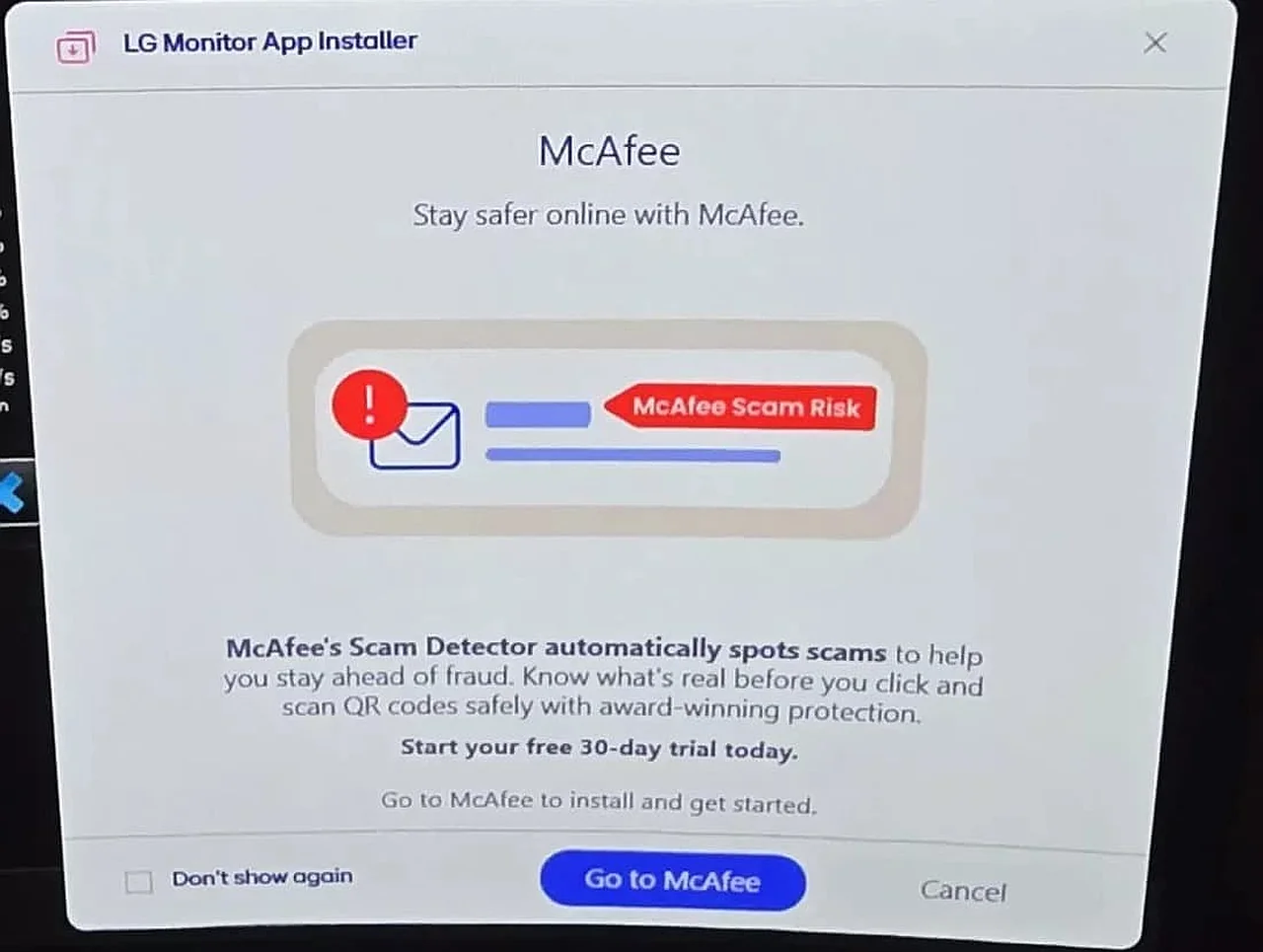
A new tech controversy has emerged surrounding major monitor manufacturers LG and Alienware. It turns out that certain monitor models from these companies are automatically installing specific applications on the Windows operating system without user permission. This not only consumes system resources but also leads to the appearance of unexpected advertisements. This is reported by Ixbt.com reports .
The issue was first reported by users on the Reddit social network. Specifically, a user under the alias Mags_Smash noticed that they began receiving ad notifications from McAfee antivirus, which they had never installed on their computer. Upon checking the system, it was determined that the LG Monitor App Installer, which appeared after connecting a new LG monitor, was the culprit.
According to Ixbt.com, when monitors such as the LG UltraGear 27GP83B and LG UltraGear 27GN800 are connected, the Windows system automatically downloads an application with the identifier "9PM9N6F47JB8-LGElectronics.LGMonitorApp" via Microsoft Store and Windows Update. Most interestingly, this process does not ask for any confirmation from the user. Windows Reliability Monitor and Event Viewer tools have recorded this unauthorized installation process.
Not only LG, but Alienware and Dell are also under suspicion
During discussions, it became clear that such practices are not unique to the LG brand. Owners of Dell and Alienware monitors have also reported encountering similar situations. Experts compare this to the automatic installation of the Armoury Crate software found on Asus motherboards. However, in the case of monitors, the appearance of third-party bloatware has caused strong user backlash.Uninstalling this software also poses certain difficulties. The LG Monitor App cannot be removed via the standard method through the Microsoft Store. For now, users recommend disabling the program in the startup settings or prohibiting the downloading of device-related metadata via Windows Group Policy as a solution.
To resolve the issue completely, one must go to gpedit.msc and restrict automatic downloads via Computer Configuration → Administrative Templates → System → Device Installation. Some radical users suggest blocking the Microsoft Store entirely. So far, the manufacturers have not issued an official statement regarding this situation.
This news is also relevant for users in Uzbekistan, as monitors in the LG UltraGear series are very popular in our market. If you are also seeing unexpected ads, it is recommended to check your system for unknown LG or Dell applications. Such "hidden" installations can negatively impact personal data security and system stability.


Comments 0
…