


Beware of the dangerous action that can turn your smartphone into a "brick"!
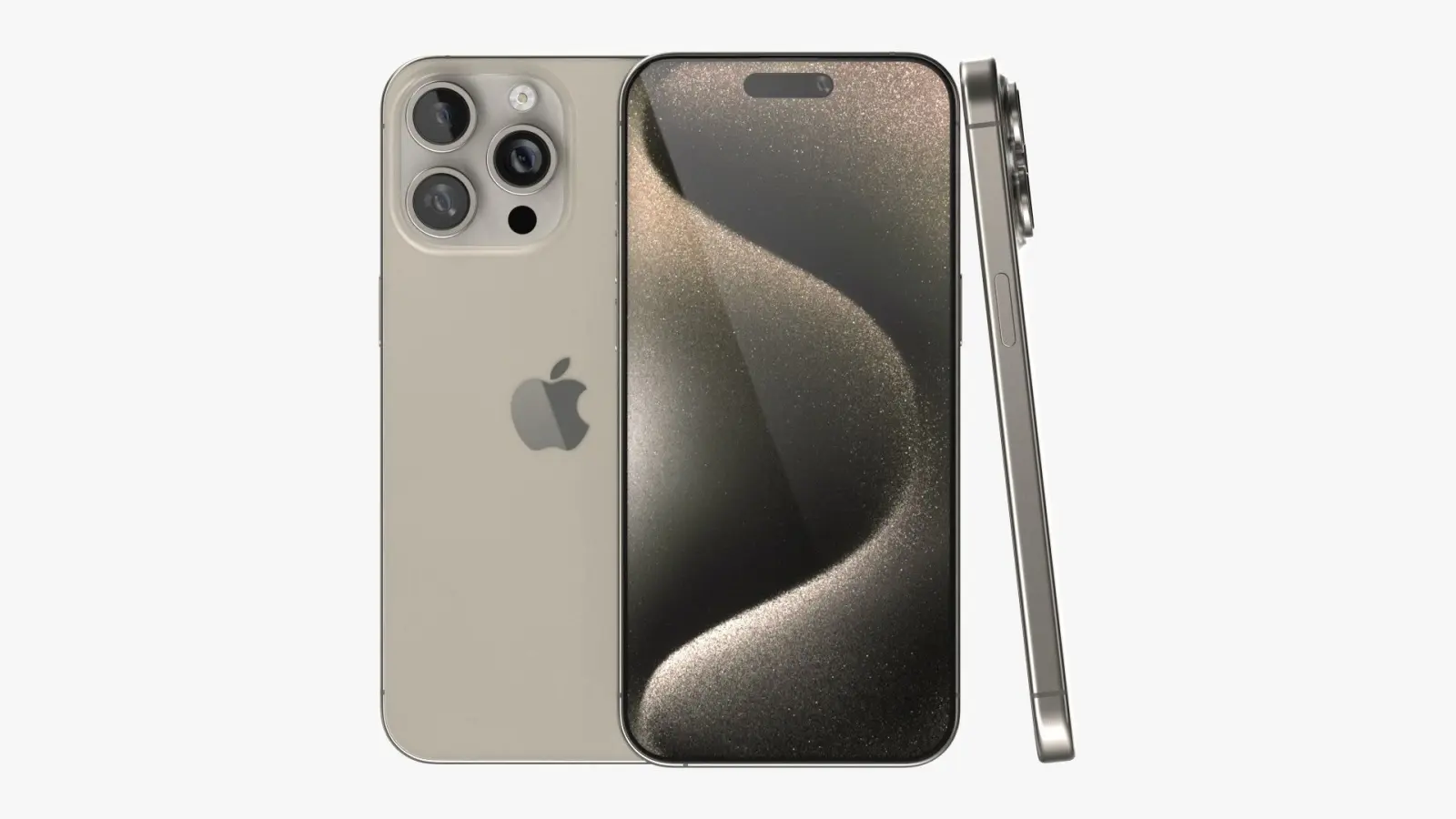
There's one crucial rule everyone using technology should know: never interfere with the device update process! According to experts at the Digital Expertise Center "Rostekhstandart," restarting or turning off a gadget during a system update can render it completely unusable.
"Brain" Reboot: Why is this dangerous?
The "heart" of every modern device is its operating system (OS). During an update, the system rewrites its algorithms. If the power supply is interrupted at this time or the user accidentally presses the power button, the system's "brain" will be damaged.
As a result, a technically sound smartphone will stop booting and, in the language of service centers, will turn into a regular "brick" (a useless piece of plastic and metal).
5 Golden Rules to Save Your Gadget
Expert Sergey Kuzmenko provides the following simple tips to avoid putting your device at risk:
-
Battery Level: Make sure the battery power is at least 70% before starting the update.
-
Calm Environment: Update the system not on the road or in transport, but at home, in a stable environment.
-
Stable Internet Connection: It's important that the Wi-Fi connection doesn't drop, otherwise the update will end with an error.
-
Complete Silence: Don't press any buttons and don't try to use the smartphone during the process. Wait for the message "Update completed successfully."
-
Be Careful with the Charger: It is not recommended to connect the device to the power outlet during the update. Voltage spikes can damage the system.
If an accident occurs and the device does not turn on, do not try to repair it yourself. In this case, the only solution is to immediately contact a qualified service center. Remember, the security of your data is in your hands!
When was the last time you updated the system on your smartphone? Have you encountered any technical problems during the process?



Comments 0
…