


Unusual issue with the new iPhone Duo screen revealed
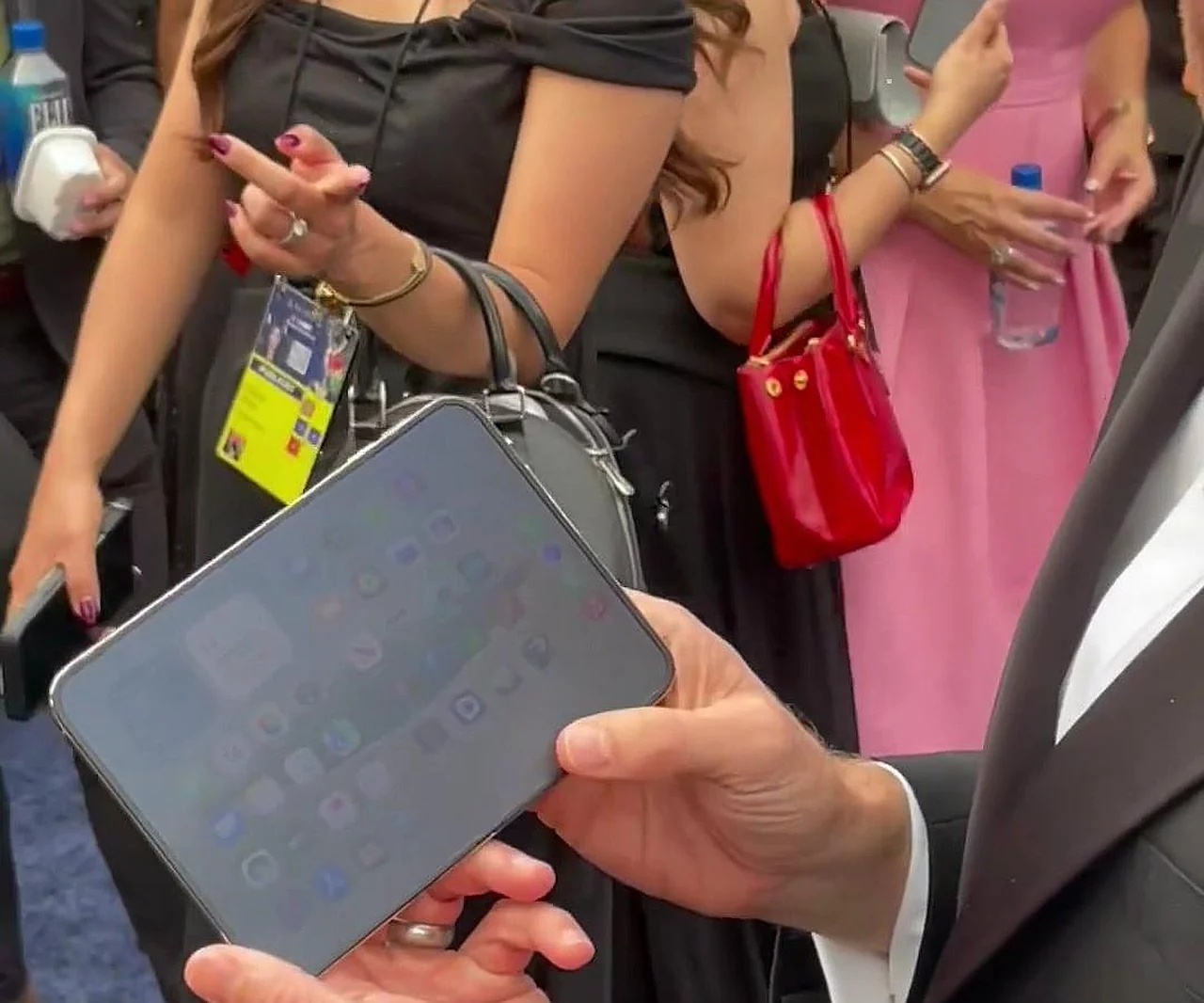
The recently unveiled first foldable smartphone from Apple, the iPhone Duo, starting at $2000, has captured the attention of users and experts alike. According to ixbt.com, renowned insider @UniverseIce published live photos of the device, highlighting an unusual flaw in its internal display. The issue is that the gadget's large screen tends to become blurry under bright light. This is reported by Ixbt.com reports .
It turns out that the 7.6-inch internal panel is covered with a special nano-texture anti-glare layer. The primary purpose of this layer is to reduce glare caused by sunlight or artificial lighting and to make the crease in the middle of the screen less noticeable. However, this engineering solution has caused an unexpected side effect.
The secret behind the display blur
When used outdoors or in a brightly lit room, the internal screen of the iPhone Duo takes on a matte appearance. It looks as if the screen is covered in a haze, significantly reducing the visual clarity, sharpness, and saturation of the image. The insider notes that this creates a unique "secret screen" effect, where images appear less appealing.The published photos show the iPhone Duo in its unfolded state, with various apps running on its large internal display. It is in these conditions that the specific characteristics of the nano-texture layer become clearly visible, causing fine details to lose their sharpness.
Price and technological complexity
As a reminder, Apple officially launched its foldable smartphone last week. The starting price of $2000 indicates that it is aimed at the premium segment. However, the presence of visual defects like screen blurring in such an expensive device is sparking heated discussions within the tech community.So far, Apple has not provided an official comment on this situation. Given that foldable screen technology is still in its development phase, it is clear that manufacturers are forced to make various compromises when trying to eliminate creases and apply anti-reflective layers.


Comments 0
…