


Now you can directly track your child's school grades
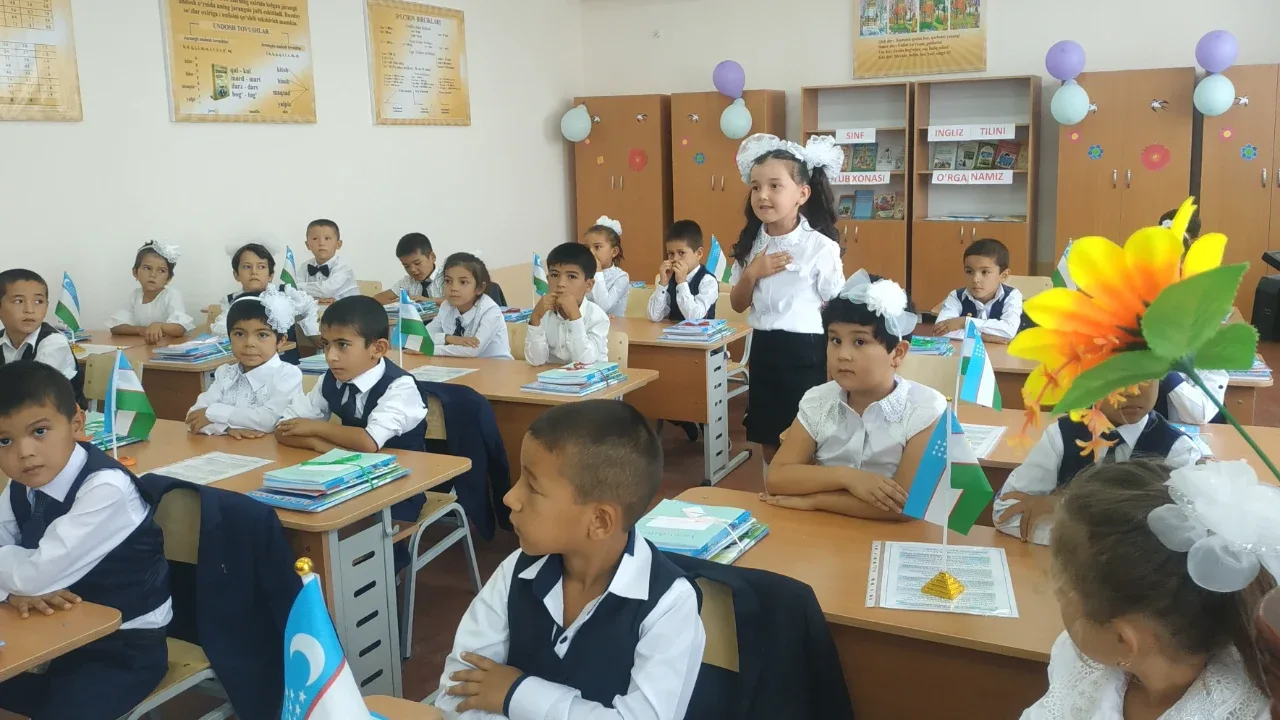
A long-awaited and important innovation for parents has been introduced in Uzbekistan's school education system and the field of digital public services. Now, parents have the opportunity to fully monitor their children's school attendance, academic performance, and grades in each subject online through the Unified Interactive State Services Portal — my.gov.uz. Through this new digital service, it is possible not only to view the child's daily current and average grades in each subject, but also to see their standing in the general grade statistics of the entire class.
In addition, the system provides all official open data regarding the exact address of the school where the child studies, the total number of students in the educational institution, and the total number of teachers teaching them. Using this feature is hassle-free and can be done within a few seconds through the "My Family" section on the portal.
So, how will this new feature of the my.gov.uz portal affect the control of education quality, which exact buttons should parents press to view their child's indicators, and how will this digital step strengthen the connection between the school and the family?
"Class Statistics and Average Grades": What can be learned through the portal?
Key information provided by the my.gov.uz portal's new education service:
Current and average grades by subjects: Parents can view online at any time what grade their child received in each lesson during the day and their quarterly average performance;
Class grade statistics: An opportunity is created to analyze the student's overall academic performance level and ranking among classmates;
School infrastructure and size: Complete information is provided on the full name of the institution, its location address, the total number of students studying there, and the number of teaching staff (teachers) at the school;
Transparent control: Old problems such as children hiding their school grades from parents or not showing their gradebooks are put to an end.
How to use?: 3 simple steps to enter the system
Step-by-step guide on how to use the service:
Step 1: Log into the my.gov.uz portal with a personal profile via the OneID system;
Step 2: Select the "My Family" section from the portal's main page or the list of services;
Step 3: Find the relevant child's profile among the family members, click the "School Information" button located next to their details, and all grades will open.
Digital Education and Parental Responsibility: What do experts say?
Analytical conclusions of industry specialists regarding this innovation:
Integration of parents and school: Now parents do not always have to go to school or call the homeroom teacher to know their child's grades, which also saves excessive time for teachers;
Early control of academic performance: Parents who see in a timely manner which subject their child is lagging in can start strengthening their knowledge through extracurricular clubs or tutors without waiting for the end of the quarter;
Integration of electronic systems: The integration of public services with electronic gradebooks and educational databases is considered the next successful step toward a fully digital society across the country.
This convenience in the my.gov.uz system has provided parents with the most modern digital tool to keep the future of their children and the quality of education under daily control.
In your opinion, will directly tracking children's school grades and indicators via my.gov.uz increase students' sense of responsibility toward classes or put psychological pressure on them? Have you tried using this service? Leave your feedback in the comments and share this guide on this very useful innovation, which is very important for all parents, with all your loved ones, classmate groups, and friends!



Comments 0
…