


GeForce RTX 5090 Power and Temperature: New Graphics Card Melts Computer Cables
NVIDIA's latest and most powerful graphics processor, the GeForce RTX 5090, has drawn attention not only for its high performance but also for the enormous heat output it generates during operation. The first reports have begun appearing on social media that this graphics card has damaged computer components due to overheating. This situation serves as a serious warning for users assembling high-power systems. According to Ixbt.com report .
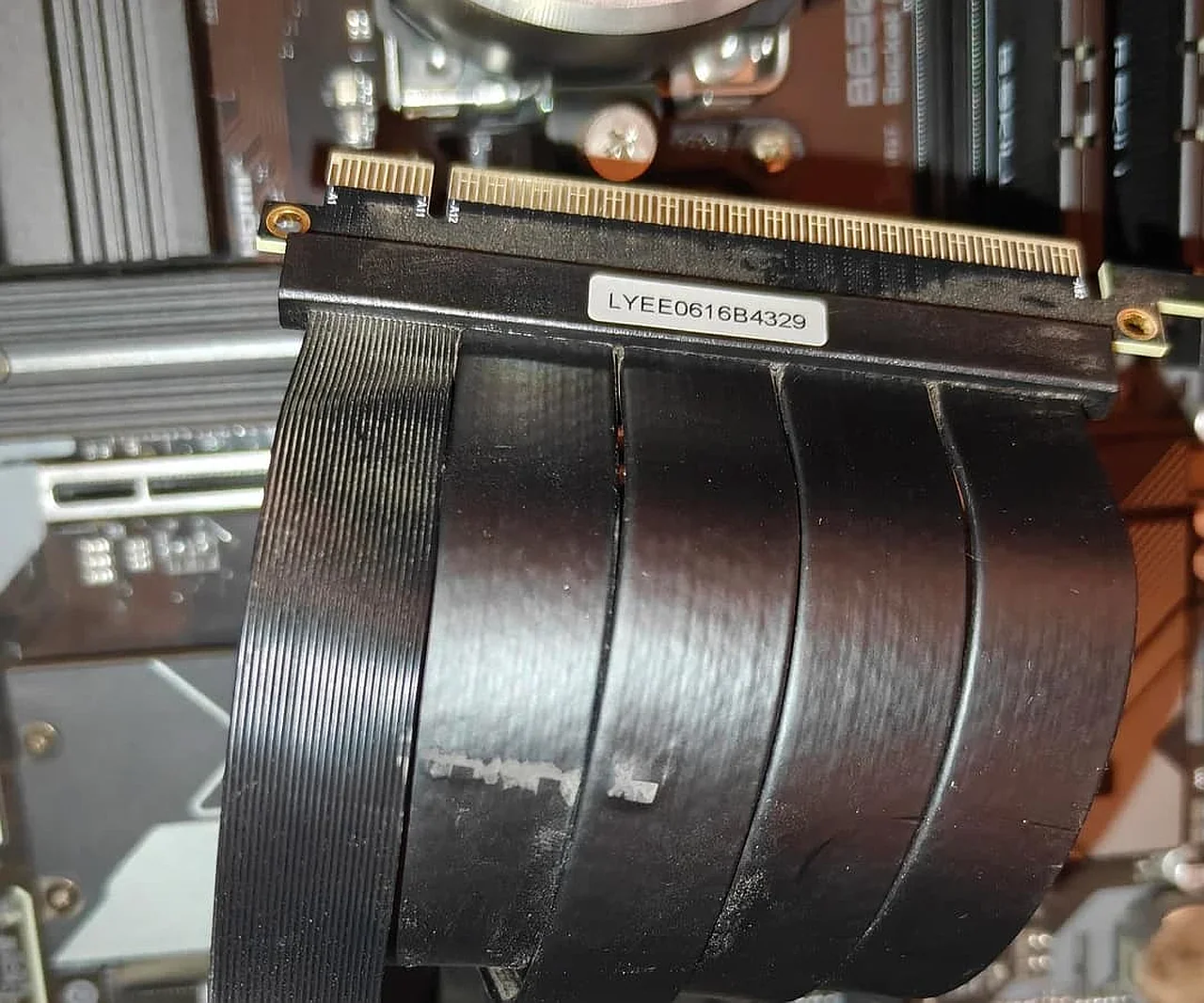
A Reddit forum user with the nickname RareSiren292 reported an unpleasant incident involving their Asus TUF GeForce RTX 5090 graphics card. According to them, when the graphics card was installed vertically, the metal backplate on its rear became so hot that the insulation of a nearby riser cable melted. This poses a direct threat to the safety of other components inside the computer.
Heat Dissipation Problem
Experts and forum participants who studied this case emphasize that the problem lies not in the riser cable itself, but in the high temperature generated by the graphics card's metal plate. When the GeForce RTX 5090 operates under heavy load for extended periods, its heat-dissipating components reach extremely high temperatures. It has been found that if a cable touches this metal plate, even the highest quality insulation cannot withstand such thermal pressure.According to ixbt.com, the user placed the riser cable very close to the backplate of the graphics card. Under constant contact and high temperature, the insulation layer melted and even stuck to the graphics card's casing. Such situations can lead not only to device failure but also to a short circuit in the system.
Recommendations for Users in Uzbekistan
This news is also relevant for gamers and professional video editors in Uzbekistan. Given the high demand for NVIDIA products in our country, it is recommended to take precautions when installing next-generation graphics cards. Ensuring proper airflow inside the computer case and preventing components from touching each other is especially important during hot summer days.Specialists advise paying attention to the following aspects when installing flagship devices like the GeForce RTX 5090:
- Leave enough clearance between the graphics card and other cables;
- Set up a strong ventilation system inside the case;
- Avoid using low-quality or cheap riser cables;
- Ensure that the metal parts of the graphics card do not touch other wires.


Comments 0
…