


2GIS app adapted for visually impaired users
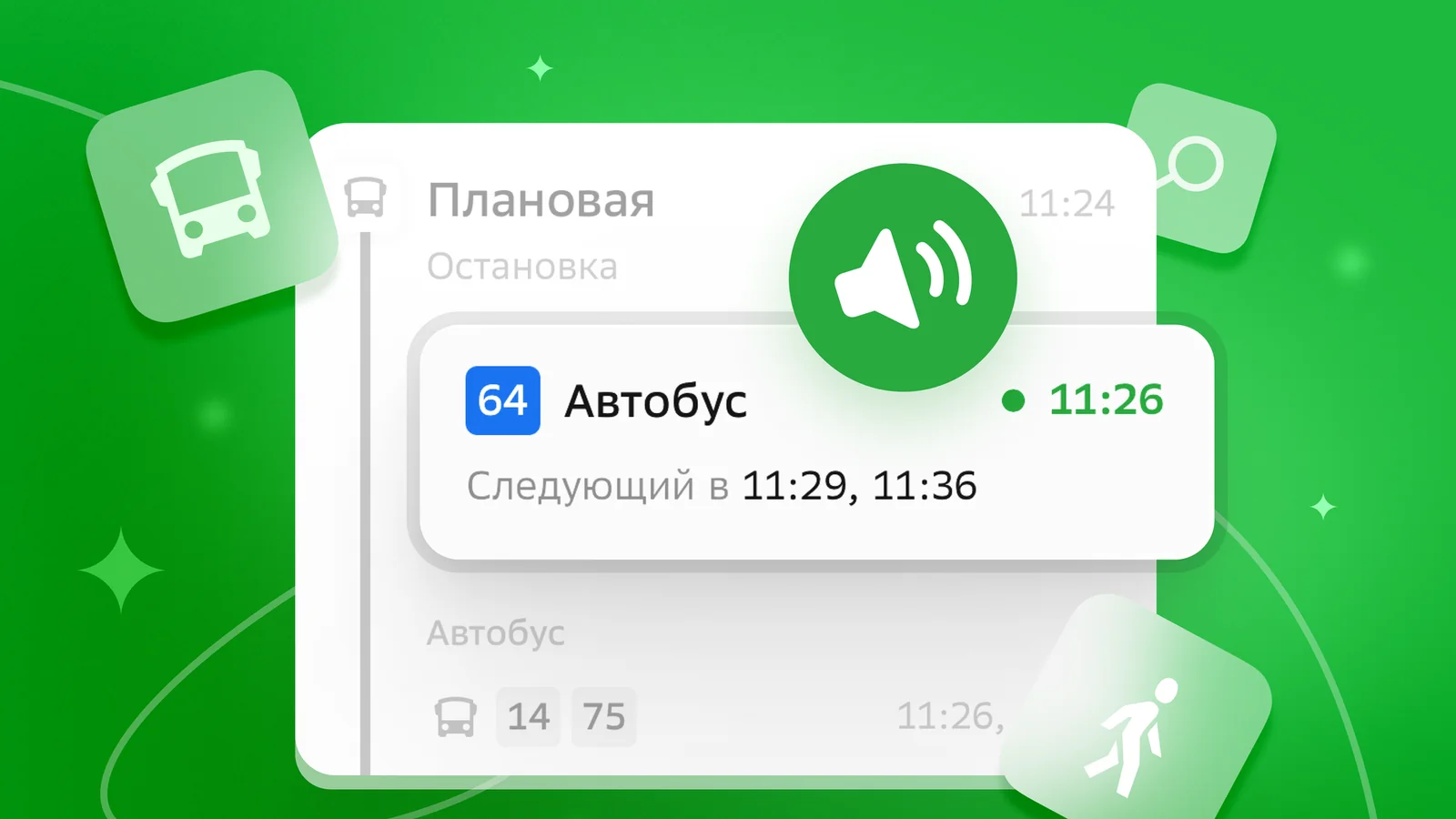
The 2GIS app on the Android platform now supports the TalkBack feature. This technology is designed to read the interface aloud, assisting visually impaired and low-vision users in navigating the app. This update simplifies city navigation, allowing users to find organizations and plot routes using voice commands. According to Ixbt.com reports .
Previously, a similar feature was implemented for iPhone devices. Integrated with the built-in iOS VoiceOver function, the 2GIS app converts on-screen information into spoken text. Users can fully interact with the app using special gestures and voice commands.
The TalkBack feature on Android describes all interface elements, including buttons, lists, and place cards, via voice. Users can find necessary addresses, obtain relevant information, call phone numbers, and check public transport routes. The app also announces when to get off at the correct stop.
To activate TalkBack, simply go to your Android smartphone's settings: Settings => Accessibility => TalkBack. No additional configuration is required within the 2GIS app itself — the service is automatically ready to operate in voice mode.


Comments 0
…