


New scam targeting Telegram users: the fake "voting" scheme
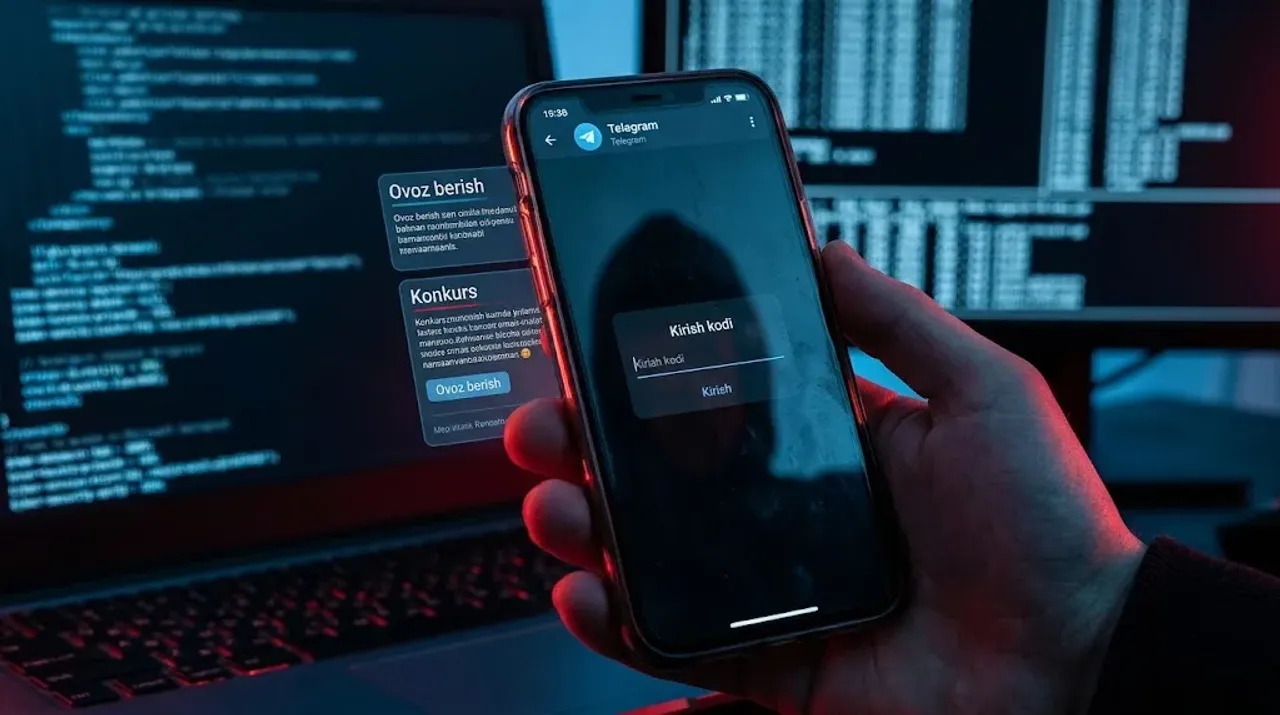
Cases of mass theft of Telegram accounts under the guise of fake "contests" and "voting" have increased sharply among Uzbekistan users. The Cybersecurity Center of the Ministry of Internal Affairs and the Tashkent City Department of Internal Affairs are urging citizens to be vigilant and warning them about dangerous phishing attacks spreading across the network.
The most dangerous aspect is that such messages are not sent by strangers, but in the name of your closest acquaintances, friends, or family members whose pages have already been compromised.
How does the scam scheme work?
Cybercriminals exploit people's trust and their desire to help loved ones through the following 5 steps:
A message under a trusted mask: You receive a sincere request from an acquaintance, such as: "Hello, please click this link and vote for my niece/child/grandmother" or "We are participating in a best mother/grandmother contest";
Fake (phishing) page: When you click the link, a fake page opens that perfectly replicates the official look and design of Telegram;
Requesting data: Under the guise of verifying your vote, the site asks you to enter your phone number and the 5-digit secret login code sent from the Telegram app;
Instant loss of control: As soon as you enter the code, scammers log into your account from another device and forcibly log you out (terminate the session) from all your devices;
Consequences and extortion: Through the compromised account, new deceptive messages are sent to all your contacts in your name, or your loved ones are asked to urgently transfer money to a card.
3 important golden rules for protection
To protect your personal data and profile, you must strictly follow these recommendations:
Never click on suspicious links: Even if sent by your closest relative, do not open links about voting, gifts, or cash prizes. First, call them to clarify whether they actually sent the message or not;
Never tell anyone your secret code: A security code received via Telegram or SMS is considered personal data. Do not enter it on any site and do not provide it to anyone;
Enable Two-Step Verification (2FA) immediately: Go to "Settings" ➔ "Privacy and Security" ➔ "Two-Step Verification" in the app, set a complex password, and link your email. In this case, even if scammers obtain the verification code, they will not be able to access the account without the additional password.
What to do if your account has been stolen?
If you have been deceived and entered your data, every second counts:
Close active sessions: If your Telegram app remains open on a computer or another tablet, immediately go to "Settings" ➔ "Devices" and delete unknown sessions;
Change your password: As soon as possible, set a two-step password or take measures to temporarily freeze the account;
Inform your loved ones: Notify your friends and acquaintances via phone call or other networks that your account has been hacked so they do not fall into the scam trap written in your name.
The MIA Cybersecurity Center is calling on all citizens to follow digital hygiene rules and warn their loved ones.



Comments 0
…